FROM SOURCE TO A USEFUL RESULT
A practical workflow
Choose this tool when…
For content researchers, creator agencies, newsletters and teams monitoring a known public channel watchlist.
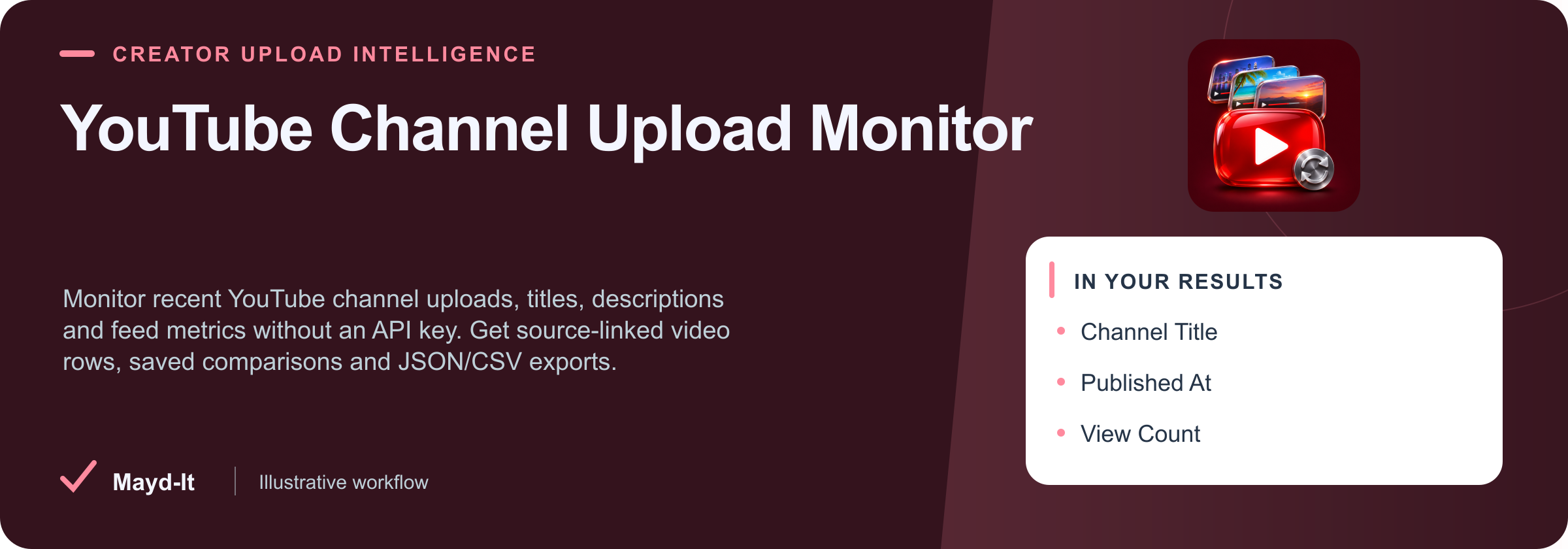
titlechannelTitlevideoIdpublishedAtupdatedAtviewCountratingCountratingAverageviewCountChange
What did watched YouTube channels publish or change since the last check?
Collect recent uploads into a spreadsheet or content queue, then use saved comparisons to spot metadata and optional feed-metric changes.
Check the fit and source limits
Recent public channel Atom feed entries only, usually about 15 uploads per channel. Not transcripts, comments, full history, live view counts or private videos. The official feed is a bounded recent window; an entry disappearing does not establish deletion. Feed view/rating metrics are optional snapshots and may lag. Rating count is not a verified like count. Supports channel IDs, exact channel/feed URLs and identity-validated ASCII @handles. A handle needs one extra public request and may be unavailable when a channel ID still works.
Download this workflow as Markdown · Configure a small first run
REAL RUN · DATED EVIDENCE
See an actual saved result
Captured 2026-11-23. Selected columns from one saved row. Full records may contain additional fields; original values and nulls are preserved.
{
  "recordId": "youtube:KTDJiVpSDTI",
  "title": "Can You Trust MKBHD?",
  "channelTitle": "Marques Brownlee",
  "videoId": "KTDJiVpSDTI",
  "publishedAt": "2026-11-17T18:39:57.000Z",
  "updatedAt": "2026-11-20T22:04:03.000Z",
  "viewCount": 3801655,
  "ratingCount": 89959,
  "ratingAverage": 5,
  "viewCountChange": null,
  "comparisonStatus": "not_requested",
  "url": "https://www.youtube.com/watch?v=KTDJiVpSDTI",
  "sourceUrl": "https://www.youtube.com/feeds/videos.xml?channel_id=UCBJycsmduvYEL83R_U4JriQ",
  "observedAt": "2026-11-23T03:18:22.091Z"
}
Dated bounded private release evidence for this exact input/build. This does not establish current values, whole-source coverage or fleet health. Run reference: mPi3hMbrfkg1uHIhe. Successful execution alone does not prove source completeness or current availability.
START SMALL
Example input
Historical evidence for this exact JSON was recorded 2026-11-23 on its original build. This is not a fresh source-availability test. Adjust targets and dates for your use case. Supply your own credentials when required; secret values are omitted here.
{
  "channels": [
    "UCBJycsmduvYEL83R_U4JriQ"
  ],
  "itemsPerChannel": 3,
  "maxResults": 3,
  "comparePrevious": false
}
Download input.json
A CLEAR DATA CONTRACT
Inputs you can configure
| Field | Type | Meaning |
|---|
channels | array | Up to 10 UC channel IDs, exact channel or feed URLs, ASCII @handles or exact /@handle URLs. Handles require one additional public HTML request and identity validation. Use UC IDs if the handle page is unavailable.
|
|---|
keywords | array | Case-insensitive OR filter within the recent feed window; this does not search YouTube or older uploads.
|
|---|
publishedAfter | string | Optional YYYY-MM-DD filter on published time within the available recent feed; older history is not retrieved.
|
|---|
itemsPerChannel | integer | Select newest matching entries from each returned feed, up to 15. The feed may contain fewer entries.
|
|---|
maxResults | integer | Global output cap in channel input order. Setting this below the selected total marks coverage incomplete and preserves comparison history.
|
|---|
comparePrevious | boolean | A complete first run establishes a private baseline. Incomplete sources, output, time or spending limits preserve previous history. Avoid overlapping runs for the same watchlist.
|
|---|
onlyChanges | boolean | Enables comparison. An unchanged run may legitimately save zero rows. First complete run saves all observations. No removal inference from missing sources.
|
|---|
snapshotName | string | A stable name for this watchlist: 1–80 letters, numbers, underscores or hyphens.
|
|---|
maxRunSeconds | integer | Network requests honor the remaining budget. Smaller watchlists improve completeness. Platform timeout is also respected.
|
|---|
Output fields
titlechannelTitlevideoIdpublishedAtupdatedAtviewCountratingCountratingAverageviewCountChangecomparisonStatuschangedFieldsurlsourceUrl
These are the columns in the default dataset view. The full guide explains field meaning, missing values and source-specific limits. JSON preserves nested data; CSV is useful for flat columns.
Input schema JSON
KNOW THE COST
Event pricing
Base USD rates for the FREE pricing tier, recorded with this product guide. Plan discounts and future pricing changes may apply. Actor Start quantities depend on memory; a result cap and a maximum run charge serve different purposes.
| Event | USD per event | What is charged |
|---|
| Actor Start | $0.00005 | Charged when the Actor starts running. Number of events charged depends on Actor memory (one event per GB, minimum one event). |
|---|
| Saved result | $0.001 | One validated source-backed result confirmed saved to the dataset; failed or filtered rows are not charged. |
|---|
BUILD A REVIEWED WORKFLOW
Use this with companion tools
Each Actor runs separately with its own inputs, authorization and pricing. These instructions do not configure automatic execution.
Parallel research context
Put new creator uploads beside independent coverage of the same topic.
- Select a company or topic mentioned in a saved video.
- Run Google News separately with that exact topic.
- Keep the video and news URLs and publication times in a research sheet.
News coverage does not confirm a video's claims; the inputs are independently selected.
Read the companion guide →Parallel research context
Follow a public product or documentation page referenced by a creator.
- Review the video description and identify an official public page yourself.
- Pass the verified page URL to the content monitor.
- Compare product-page changes with dated video announcements.
Do not automatically open untrusted description links. This does not download videos or transcripts.
Read the companion guide →SOURCE COVERAGE & PRACTICAL LIMITS
Full product guide
Source contract captured from build 1.0.2. Presentation refreshed 2026-11-23. Example outputs retain their original sample context; they are not live results.
YouTube Channel Upload Monitor
Turn a public channel watchlist into recent-upload rows and saved changes. Get video IDs, original watch or Shorts links, titles, descriptions, source timestamps and optional feed metrics from YouTube's official channel Atom feeds—without an API key.
Use it to build creator research queues, populate newsletters, follow a competitor's publishing activity or compare metadata on videos that remain in the feed. Every row includes the channel ID, original feed URL and observation time.
Start with three videos
{
  "channels": ["UCBJycsmduvYEL83R_U4JriQ"],
  "itemsPerChannel": 3,
  "maxResults": 3,
  "comparePrevious": false
}
The default input uses that same public example channel. Replace it with your own watchlist. Acceptable values are a UC... channel ID, an exact https://www.youtube.com/channel/UC... URL, or https://www.youtube.com/feeds/videos.xml?channel_id=UC.... The Actor validates these values and requests only the fixed official feed endpoint. ASCII handles such as @mkbhd and exact /@handle URLs are also supported. They require one extra bounded public-page request and exact channel/handle metadata validation. If a page asks for consent or blocks access, use a UC channel ID; no challenge is bypassed. Playlist URLs and search terms are not supported.
What you receive
| Field |
Meaning |
recordId, videoId |
Stable video identity for joins and comparison |
channelId, channelTitle |
Requested channel and title verified against the feed |
title, description |
Source text, with missing descriptions represented by null |
publishedAt, updatedAt |
Source-provided timestamps normalized to UTC |
viewCount |
Optional feed view-count observation; may lag |
ratingCount, ratingAverage |
Optional feed rating metadata, not a verified like count |
thumbnailUrl, url |
Source thumbnail and watch/Shorts links |
comparisonStatus, changedFields, previous |
Exact saved-field comparison when enabled |
viewCountChange, ratingCountChange |
Differences between two saved observations; missing values remain null |
sourceUrl, observedAt |
Feed provenance and collection time |
Results are available as JSON or CSV. SUMMARY explains source coverage, limits and comparison history. RUN_REPORT provides a readable HTML report. Descriptions and optional metrics are source observations, not generated analysis.
1. Recent channel uploads: use the quick-start input above. It saves three newest matching entries from the returned feed.
2. Start with a channel URL:
{
  "channels": ["https://www.youtube.com/channel/UCBJycsmduvYEL83R_U4JriQ"],
  "itemsPerChannel": 2,
  "maxResults": 2,
  "comparePrevious": false
}
3. Watch a topic using a public handle:
{
  "channels": ["@mkbhd"],
  "keywords": ["mac"],
  "itemsPerChannel": 3,
  "maxResults": 3,
  "comparePrevious": false
}
Optional keywords match title or description using case-insensitive OR. publishedAfter accepts a UTC date such as 2026-11-01. Both filters apply only to entries already in the returned feed; neither searches older YouTube history.
Saved comparisons and scheduling
Set comparePrevious: true and keep a stable snapshotName. The first complete run establishes a private baseline; later complete runs identify new, changed or unchanged observations. onlyChanges: true saves only new or changed rows and can legitimately return zero rows.
The snapshot includes title, description, timestamps, channel title, thumbnail and optional feed view/rating observations. Metric movement may therefore produce changes even when video text is unchanged. Negative deltas can reflect source corrections; they are not automatically treated as errors. Missing optional values remain null rather than being converted to zero.
Use one non-overlapping schedule per watchlist. Changing the channel set, keyword/date filter or selected per-channel window establishes a different comparison scope. Failed sources, global result truncation, time limits, charge limits or output failures do not advance history. A missing entry does not mean a video was deleted: recent feed entries naturally roll out of view.
Coverage and limits
- YouTube's public channel feed is a bounded recent window, commonly around 15 entries. This Actor does not enumerate a channel's entire history.
- Up to 10 channels and 15 selected entries per channel. Input order determines channel order; each feed is sorted by source publication time, newest first.
maxResults is a global output cap. If it cuts off selected rows, SUMMARY marks the run incomplete and comparison history is preserved.- No transcripts, comments, private videos, subscriber counts, authenticated sessions or guaranteed real-time view counts.
- Original watch and Shorts links are retained. A feed entry alone does not prove a video is currently playable or identify every video format.
- HTTP 401, 403 or 429 stops source access without bypassing the refusal. Temporary transport errors or HTTP 502/503/504 get at most one bounded retry.
- A valid feed with no matching entries succeeds with zero rows and no result charges. Invalid feeds or unavailable sources remain visible as failures or partial coverage.
Pricing
Base price: $0.001 per saved source-backed result ($1 per 1,000 rows), plus $0.00005 per start at the default memory. Filtered rows, unchanged rows skipped by onlyChanges, failed source requests and summary records are not billed as results. Set an Apify spending limit as well as maxResults. Applicable Apify tier discounts may reduce the result price.
Source and support
YouTube documents its channel Atom feed, including upload and title/description change notifications. This Actor polls the documented public feed; it does not set up PubSub subscriptions or use the authenticated Data API.
Open an Actor issue with the channel ID, run URL and SUMMARY details if a supported feed fails. Do not include account credentials. Dated examples demonstrate the source at collection time, not permanent availability or an income guarantee.
Companion workflows
Each Actor runs separately with its own inputs, authorization and pricing. These instructions do not configure automatic execution.
Put new creator uploads beside independent coverage of the same topic.
- Select a company or topic mentioned in a saved video.
- Run Google News separately with that exact topic.
- Keep the video and news URLs and publication times in a research sheet.
News coverage does not confirm a video's claims; the inputs are independently selected.
Follow a public product or documentation page referenced by a creator.
- Review the video description and identify an official public page yourself.
- Pass the verified page URL to the content monitor.
- Compare product-page changes with dated video announcements.
Do not automatically open untrusted description links. This does not download videos or transcripts.